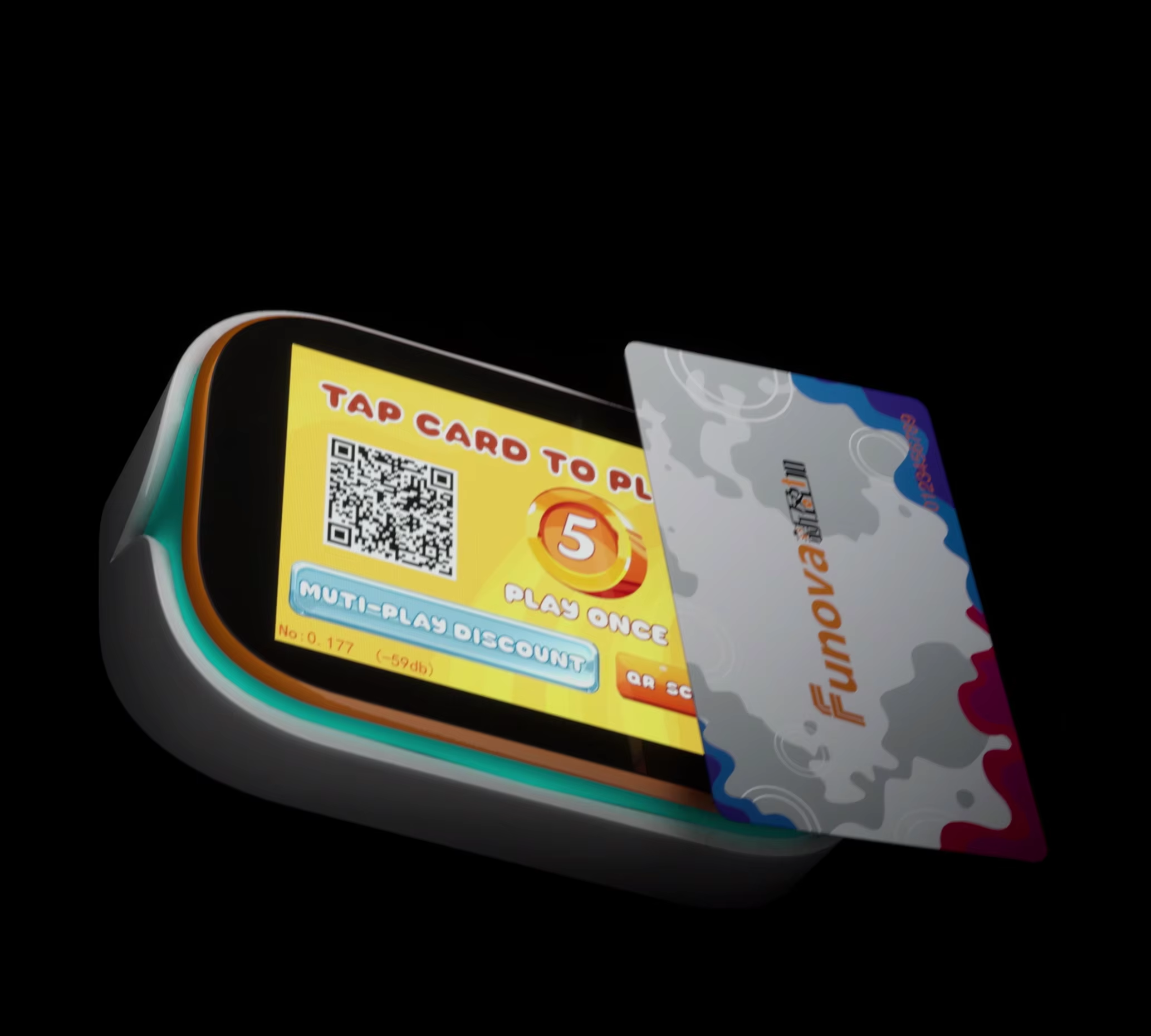
When arcade card readers get ignored, they tend to fail in pretty much the same way every time. Most problems we see are things like cards not scanning properly, buttons that don't respond when pressed, and connections that come and go without warning. These issues usually happen because dust builds up over time or sticky residues collect inside the machines. Dirty sensors just can't read cards correctly anymore, and when metal parts start to oxidize, the electricity doesn't flow right through them either. According to a report released last year by the Amusement Industry Maintenance folks, about six out of ten breakdowns in arcade machines could have been avoided with regular cleaning and maintenance. That's a huge number when you think about all the lost revenue during those downtime periods.
Contaminants degrade performance through three key mechanisms:
Even 0.1 mm of residue can reduce magnetic head sensitivity by 40% (Electronic Components Durability Journal, 2022), emphasizing the need for consistent cleaning.
An arcade chain reduced card reader-related outages by 70% within six months by adopting biweekly cleaning cycles. Technicians used microfiber swabs with 90% isopropyl alcohol for contact points and compressed air to remove debris. Repair costs dropped from $1,200/month to $360/month, demonstrating a clear return on investment from structured maintenance.
The amusement industry is shifting from reactive repairs to scheduled upkeep, with 84% of operators now using formal maintenance checklists (2024 Global Arcade Operations Survey). This proactive approach extends card reader lifespan by 3—5 years and maintains transaction accuracy—especially critical as RFID payment systems become standard across modern arcades.
Follow this 5-step process to maintain reliable operation:
Proper cleaning reduces failure rates by 62% in gaming environments, according to a 2024 payment terminal maintenance study. Avoid household cleaners, as their chemical residues can accelerate component corrosion.
In venues processing 500+ transactions daily:
During seasonal peaks, consider UV-light sanitization to eliminate microbial growth in card slots without introducing liquids.
| Product | Purpose | Usage Tips |
|---|---|---|
| 70% isopropyl alcohol | Disinfection & grease removal | Apply via misting spray |
| Canned air duster | Particle removal | Maintain 6" nozzle distance |
| Non-abrasive cards | Physical debris extraction | Replace after 50 passes |
| Conductive brushes | Magnetic head maintenance | Use weekly on coin readers |
Choose antistatic compressed air to minimize electrostatic discharge risks. Store cleaning cards in climate-controlled conditions to preserve their effectiveness.
Moderate-traffic arcades should perform surface cleaning monthly and deep maintenance quarterly. High-volume locations (1,000+ weekly transactions) benefit from biweekly cleaning due to faster particulate accumulation. Facilities following this schedule reported 63% fewer downtime incidents compared to those with irregular maintenance, based on a 2023 amusement industry study.
Systematic upkeep delivers measurable improvements:
These gains result from preventing abrasive wear and maintaining sensor alignment. A 2024 predictive maintenance analysis found that scheduled cleaning correlates with 19% higher weekly uptime in coin-operated entertainment systems.
Develop a usage-based calendar tracking:
Start with manufacturer-recommended intervals, then refine based on real-world data. Operators who combine this strategy with digital maintenance logs report 22% faster troubleshooting when issues arise.
Optimal operating conditions are 10°C—35°C (50°F—95°F) with 30—60% relative humidity. Excess humidity promotes condensation and corrosion, while temperatures above 40°C (104°F) degrade solder joints and circuit boards. According to a 2023 Ponemon Institute study, humidity-related failures account for 30% of unplanned arcade equipment downtime.
Install UV-filtering acrylic covers to protect against sunlight, which can warp plastic components and degrade infrared sensors. For outdoor installations, use IP54-rated enclosures to resist dust and moisture. Thermal imaging shows shaded units operate 18% cooler than exposed ones, significantly reducing heat-induced read errors.
Arcade machines inside buildings tend to get coated with greasy residue much quicker than those outside, mainly because of all the nearby food stands. The grease builds up on the readers at least three times as fast indoors compared to outdoor locations. Outdoor machines definitely deal with bigger temperature changes throughout the day, but there's actually less dust and particles floating around them. Looking at data collected from 120 different arcade locations shows something interesting: outdoor units still need cleaning about 25% more often overall. Meanwhile, the indoor ones typically need parts replaced roughly 40% sooner because that constant layer of grease just wears things down faster over time.
Prolonged UV exposure reduces RFID card signal strength by 22% annually (2024 RFID Card Research). In high-humidity coastal areas, use silicone-coated readers and marine-grade RFID cards. A comprehensive maintenance guide outlines material compatibility for extreme environments.
Arcade card readers typically make it around 3 to 5 years before needing replacement, although this can vary quite a bit depending on what parts we're talking about. The magnetic heads and those little card scanners tend to be the first to go, usually giving out after about 18 to 24 months especially in busy locations where they get constant use. Circuit boards are actually pretty durable by comparison, often sticking around well past five years if kept away from all that dust and grime. According to industry data, roughly 72 percent of breakdowns in machines older than four years happen because of gradual buildup of dirt and particles inside, not because something just suddenly shorts out or fails completely.
| Component | Average Lifespan | Maintenance Impact | Replacement Threshold |
|---|---|---|---|
| Card Scanner | 2—3 years | +40% with cleaning | When alignment errors recur |
| Magnetic Head | 1.5—2 years | +30% with sealing | After 100,000+ swipes |
| Circuit Board | 4—6 years | +25% with dusting | If repair costs >60% replacement |
It usually makes financial sense to replace equipment instead of repairing it when fix costs get above 60% of what a brand new unit would cost, or if the machine sits idle for more than 8 hours each month. Simple maintenance jobs such as reconnecting loose connectors or adjusting sensors (usually under $50) can keep things running smoothly for another 6 to 12 months though. Many technicians have found that swapping out old parts before they fail completely stops about seven out of ten chain reactions that cause multiple devices to break down at once. Field workers who stick with manufacturer approved components tend to see their equipment last roughly 22% longer between breakdowns than those relying on cheaper off-brand replacements.
Q1: What are the most common failures of arcade card readers?
A: Common failures include cards not scanning properly, non-responsive buttons, and intermittent connections due to poor maintenance leading to dust buildup and oxidization.
Q2: How often should arcade card readers be cleaned?
A: Moderate-traffic arcades should clean monthly and conduct deep maintenance quarterly, whereas high-volume locations benefit from biweekly cleaning.
Q3: What are the recommended cleaning products for arcade card readers?
A: Use 70% isopropyl alcohol, compressed air, and non-abrasive cleaning cards. Avoid household cleaners to prevent chemical residue damage.
Q4: How can environmental factors affect the performance of arcade card readers?
A: Temperature and humidity can cause condensation and corrosion. Excessive heat can degrade components. UV protection and using IP-rated enclosures help mitigate these effects.
Q5: When should arcade card reader components be replaced?
A: Replace components when repair costs exceed 60% of a new unit's cost or if downtime exceeds 8 hours monthly.

 EN
EN